A Beginner's Guide to Selling on Amazon: Step-by-Step Process
Learn how to start your journey as an Amazon seller with simple steps and practical tips
By ChannelMAX Staff Writer
Jan-2025#02
Selling on Amazon is a great way to start an online business and reach millions of customers worldwide. With over 310 million active customers and 2.5 million active sellers, Amazon is one of the largest e-commerce platforms globally.
Whether you want to sell handmade crafts, private-label products, or trending items, Amazon offers endless opportunities. The process may feel overwhelming for beginners, but with the right strategy and tools, you can create a profitable Amazon business. This guide covers the basics—from setting up an account to optimizing your listings and growing your business.
Steps to Start Selling on Amazon
Step 1: Create an Amazon Seller Account
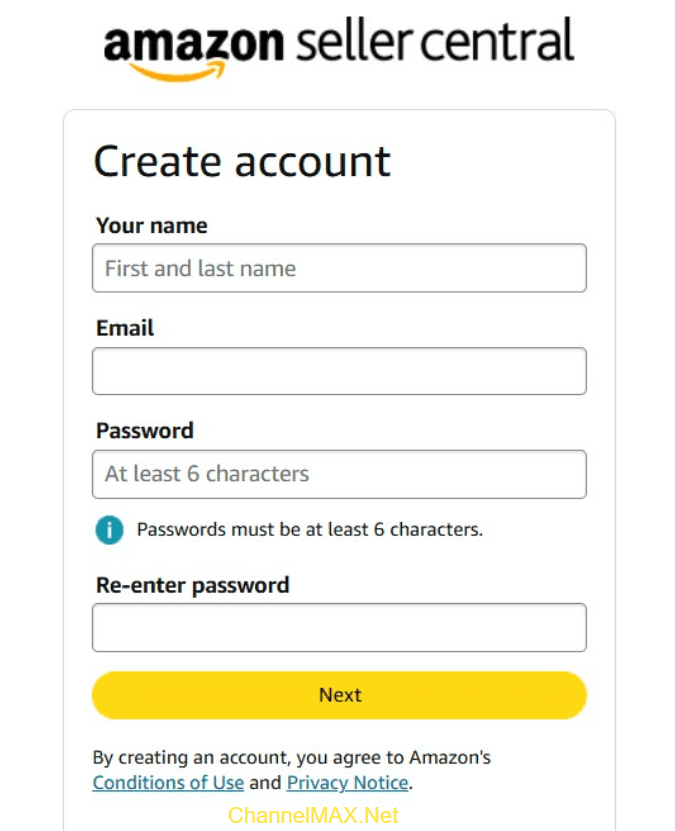
To start selling, the first step is to create an Amazon Seller Central account. This is the platform where you will manage your inventory, orders, payments, etc.
Steps to Create an Account:
2. Click ‘Sign Up’ and choose a selling plan:
a. Individual Plan – $0.99 per sale, great for sellers with fewer items.
b. Professional Plan – $39.99/month, ideal for sellers with high-volume items.
3. Enter your business name, email, and payment information.
4. Submit tax information and verify your identity.
Tips for Beginners:
2. Explore the Dashboard: Get familiar with Seller Central and its tools like Reports, Inventory Management, and Performance Metrics.
Step 2: Choose the Right Products to Sell
Your success depends largely on the products you sell. Picking the right products can make or break your Amazon business. According to a recent survey, over 45% of Amazon sellers believe choosing the right product is the most critical factor in making profits. Focus on items with high demand, healthy profit margins, and less competition.
Top-Selling Categories for Beginners:
2. Health and Beauty: Growing demand for wellness and skincare products.
3. Home and Kitchen: Everyday essentials are always in demand.
4. Clothing and Apparel: Fashion items are popular, but competition is high.
Also Read: Top Product Groups to Sell on Amazon in 2025: A Seller's Guide
Tips for Selecting Products:
2. Focus on Profit Margins: Calculate costs, including Amazon fees and shipping charges. Ensure products have at least a 30%–40% profit margin after Amazon fees.
3. Analyze Demand: Use tools like Amazon Keyword Planner to measure search volume.
4. Test Products First: Start small to check performance before scaling.
Also Read: Increase Your Amazon FBA Margins: A Step-by-Step Seller Guide
Step 3: Source Your Products
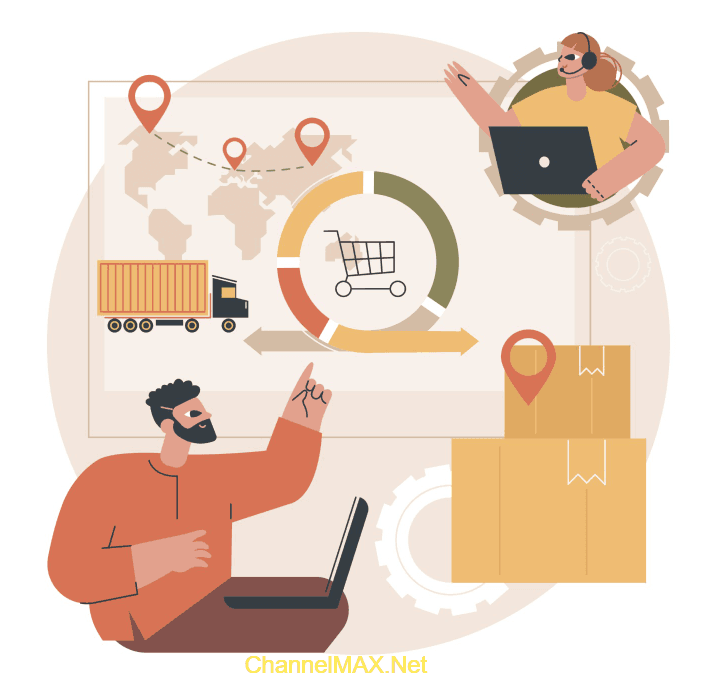
You need reliable suppliers to ensure product availability and quality. You can source products through different methods.
Popular Sourcing Methods:
2. Online Arbitrage: Purchase discounted products online for resale.
3. Wholesale: Buy in bulk directly from manufacturers or distributors.
4. Private Label: Customize and brand products for higher profit margins.
5. Dropshipping: Avoid holding inventory by partnering with suppliers who ship products directly to customers.
Key Fact: Private-label products are recommended for long-term business growth. They help you build a unique brand and avoid price competition. 59% of Amazon sellers choose this model to build their brand and boost profits.
Also Read: How to Build a Successful Private Label Brand on Amazon
Step 4: List Your Products on Amazon
Once you have products ready, the next step is to create optimized product listings.
Steps to Create Listings:
1. Log in to Seller Central > Inventory > Add a Product.
2. Select an existing product if it’s already listed on Amazon or create a new product listing.
3. Add the product details:
a. Title: Use relevant keywords for better visibility.
b. Images: Upload clear and high-quality photos (minimum 1000x1000 pixels).
c. Bullet Points: Highlight key features and benefits of the product.
d. Description: Provide detailed information about the product.
e. Price: Set competitive prices based on market research.
Step 5: Optimize Your Listings for Higher Sales
Optimizing your listings is key to attracting buyers and boosting sales. According to Amazon, products with optimized listings get up to 37% more sales than non-optimized listings.
Best Practices for Listing Optimization:
2. SEO-Friendly Titles: Include primary keywords naturally. Add relevant keywords to titles, bullet points, and descriptions.
3. High-Quality Images: Include multiple images showing different angles.
4. Videos: Add a video demonstrating product features and how it works. Adding product videos increases conversions by 20-30%.
5. Compelling Bullet Points: Focus on key benefits, not just features.
6. Reviews and Ratings: Encourage buyers to leave positive feedback to build credibility. Respond to negative reviews quickly to resolve issues.
Step 6: Choose Fulfillment Options
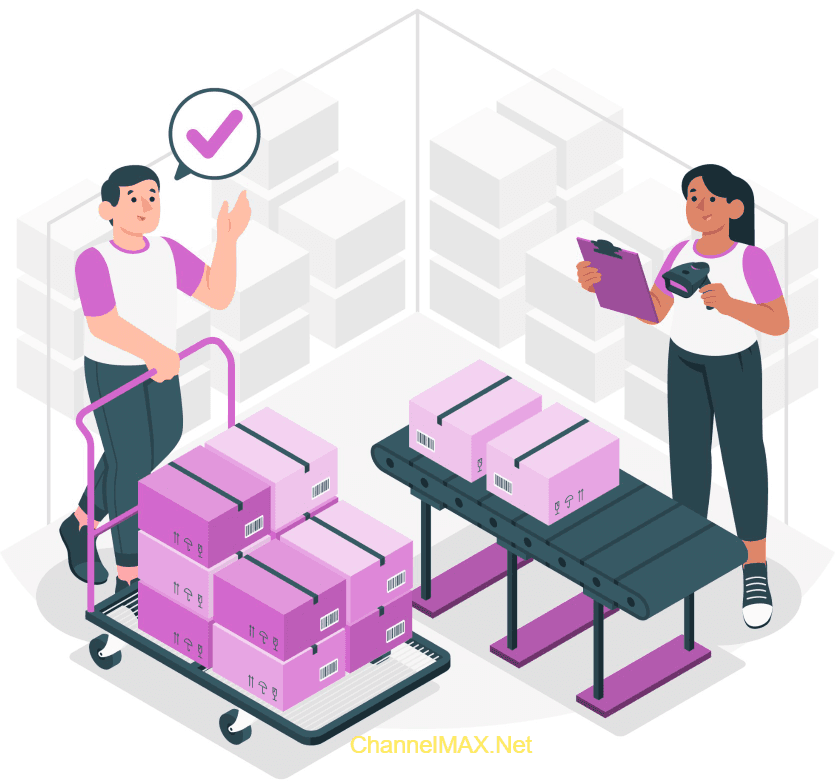
Amazon offers two fulfillment methods:
1. Fulfillment by Amazon (FBA):
a. Amazon FBA handles the storage, packing, and shipping of products.
b. Handles customer service and returns
c. Higher visibility and faster shipping with Prime eligibility improve conversions.
d. Charges storage and fulfillment fees
e. Fees depend on size and weight but simplify logistics.
2. Fulfillment by Merchant (FBM):
a. In FBM, sellers handle storage, packing, shipping, and customer service.
b. Lower fees but more responsibility.
c. Suitable for small or oversized items.
Why is FBA better for beginners?
1. 73% of Amazon sellers use FBA because it simplifies logistics, saves time, and boosts conversions.
2. Eligible for Amazon Prime, which attracts more buyers.
3. Faster delivery with Amazon Prime eligibility.
4. Higher chances of winning the Buy Box.
5. Saves time, allowing you to focus on scaling your business.
Also Read: Amazon FBA vs FBM: Which Fulfillment Method Is Right for You?
Step 7: Price Your Products Competitively
Pricing plays a huge role in winning sales. Competitive pricing can help you win the Buy Box, which accounts for 82% of Amazon sales.
Tips for Pricing Your Products:
2. Automate Pricing with Tools: Use repricing tools like ChannelMAX Repricer for real-time price optimization.
3. Bundle Offers: Combine products to provide more value at competitive rates.
4. Discounts: Offer discounts or coupons to attract more buyers.
Step 8: Advertise and Promote Your Products

Marketing is essential as it helps increase product visibility and boost sales.
Effective Marketing Strategies:
2. Social Media Marketing: Promote your listings through platforms like Facebook and Instagram.
3. Email Campaigns: Build an email list to promote new products and offers.
4. Influencer Marketing: Partner with influencers for product recommendations.
Pro Tip: Use advertising analytics to track campaign performance and improve ROI. Amazon advertising can increase sales by 30-40% when used effectively.
Also Read: Amazon Advertising Campaign: A Complete Guide to Maximizing Sales
Step 9: Track Performance and Scale Your Business

Once your products are live, regularly monitor performance. Tracking sales data and performance metrics helps you identify opportunities to scale.
Important Metrics to Track:
2. Conversion Rates: See how many views turn into sales.
3. Return on Investment (ROI): Calculate profits after deducting Amazon fees and advertising costs.
4. Customer Reviews: Pay attention to reviews and ratings. Address complaints and improve customer satisfaction.
Scaling Tips:
2. Optimize inventory management to avoid stockouts.
3. Use tools like ChannelMAX for data-driven decisions and automation.
Common Challenges for Beginners and How to Overcome Them
Starting an Amazon business can be exciting, but it also has its challenges. Whether you're new or have been selling for some time, knowing these challenges and how to deal with them can help you succeed more quickly. Here are five common problems and how to solve them:
1. Understanding Amazon’s Rules: Amazon has strict rules that can be hard to follow. To avoid problems, always check the Seller Central guidelines and stay updated on any changes.
2. Choosing the Right Products to Sell: Finding products that make a profit can be challenging. Use Amazon tools and research the market to find products that are in demand but not too competitive. Focus on niche markets and unique product offerings.
3. Setting the Right Prices: Wrong prices can cause you to lose sales. Use repricing tools like ChannelMAX to adjust your prices automatically and stay competitive.
4. Managing Inventory and Stock Levels: Running out of stock or having too much stock can negatively impact your Amazon business. Keep track of your inventory and consider using Amazon FBA service to help manage it better.
5. Handling Customer Feedback and Reviews: Bad reviews can affect your business. Offer great customer service and quickly fix any problems to keep your reviews positive.
Conclusion
Starting an Amazon business might feel overwhelming, but breaking it into steps makes the process easier. From setting up your seller account to choosing the right products, optimizing listings, and managing fulfillment, each step is important for success.
Whether you sell through FBA or FBM, tools like ChannelMAX can help with pricing and inventory management, giving you an advantage over competitors. With proper planning and consistent effort, you can turn your Amazon store into a profitable online business.
Also Read: How Amazon Repricing Tools Work: A Guide for New Sellers
Disclaimer:
Amazon is the registered trademark of the e-commerce brand.
ChannelMAX offers Amazon Repricer that runs on the latest AI Repricing agents to do Amazon Pricing Management or Amazon Repricing. Based on Amazon SP API, the repricing engine or repricer runs 24/7 and efficiently manages Amazon prices to maximize your BuyBox with profit optimization. Established in 2005, ChannelMAX has been integrated with Amazon technology since 2007, helping thousands of third-party sellers on various eCommerce platforms. Some of the eCommerce platforms, aka marketplaces, supported by ChannelMAX.NET, are Amazon, Walmart, eBay, and Shopify. Some of ChannelMAX key offerings include ChannelMAX Amazon Repricer, 2ndly, ChannelMAX Amazon FBA Audits and FBA Refunds management, an offering for managing Amazon FBA Refunds Reimbursement management for lost or damaged or misplaced inventory for which Amazon is responsible and for which sellers deserve appropriate credit reimbursement from Amazon. ChannelMAX Services offer Remote (aka Virtual) Full-Time eCommerce Assistant to help 3P sellers run their daytoday business.

Check ChannelMAX at Amazon Selling Partner Appstore, an application with a 5 star rating.